

Diese Seite wurde noch nicht in Ihre Sprache übersetzt. Angezeigt wird die Version Englisch (Vereinigtes Königreich).
Update, move or start over
Three ways to change your website's design: update the one you have, move to a new design, or start over. What each does, how much AI usage it uses and what stays.
There are three things you can do about your website's design, and they are not the same. Update and move never change your live site until you press Publish. Start over is the last resort.
Update
Same design.
Your design gets its newest version, with fixes and improvements.
Your edits stay.
Where your own changes and the update touched the same place, you choose what happens.
Preview, then publish.
Nothing goes live until you press Publish.
Your site keeps the look it has, a little better.
Move to a new design
A different design.
Your website is rebuilt in the new design that suits your brand.
Your homes and words come with you.
Your listings, team, offices, areas, journal, photos, domain and languages.
Preview, then publish.
Your live site stays as it is until you press Publish.
Your site gets a new look and new page layouts.
Start over is the last resort. It deletes your current website and its live version, builds it again with the design that suits your brand and makes it yours again. Your journal posts and content are kept. If you want a new look, ask Fondaro for it instead: you keep your site and can go back.
Move to a new design
Moving is for websites on an older design (Mediterranean, Metropolitan or Heritage). Open Website, then Settings, then Design, and press Move to a new design. You can also start from the banner on Overview that says new designs are ready, or from the line on your Overview that says which design your site uses. Only admins can move a website.
1. Design
There is nothing to pick. The step says which new design suits your brand and why, such as "We'll move you to Coast". See it live opens the demo in a new tab. See Website designs for pictures of each. Want a different one? Fondaro can move you to any design by name.
The panel beside it shows:
- What comes with you: your homes and listing sources, your words, your team, your offices, your areas, your journal, your photos, your domain and your languages.
- What changes: the look and the page layouts.
- The AI usage: how much of your monthly AI usage the build uses, for example "Uses about 25% of your monthly AI usage."
If your draft has changes you have not published, the step says so: your unpublished changes will not come with you. Press Publish first to put them live before you move, or go on without them.
Press Move to and the design's name to start.
2. Build
Fondaro builds your website in the new design as a draft. It takes a little while, and you can leave the page and come back: the build carries on and the page picks up where it was. Your live site does not change.
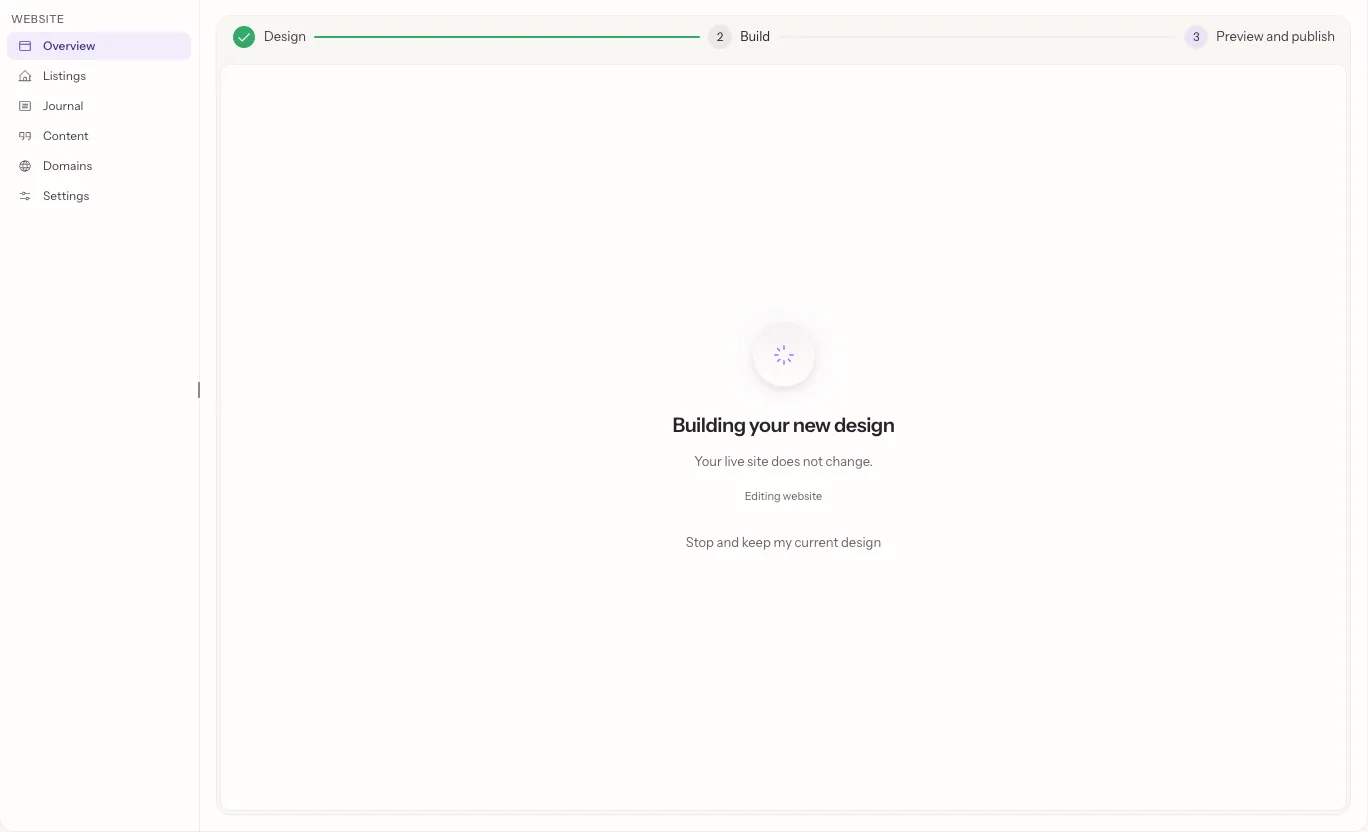
To stop, press Stop and keep my current design. If the build does not finish, the page says why and offers a way forward, and your live site is still online.
3. Preview and publish
When the build is ready, look at it in the preview. The switch above the preview flips between Yours, which is your live site, and New design.
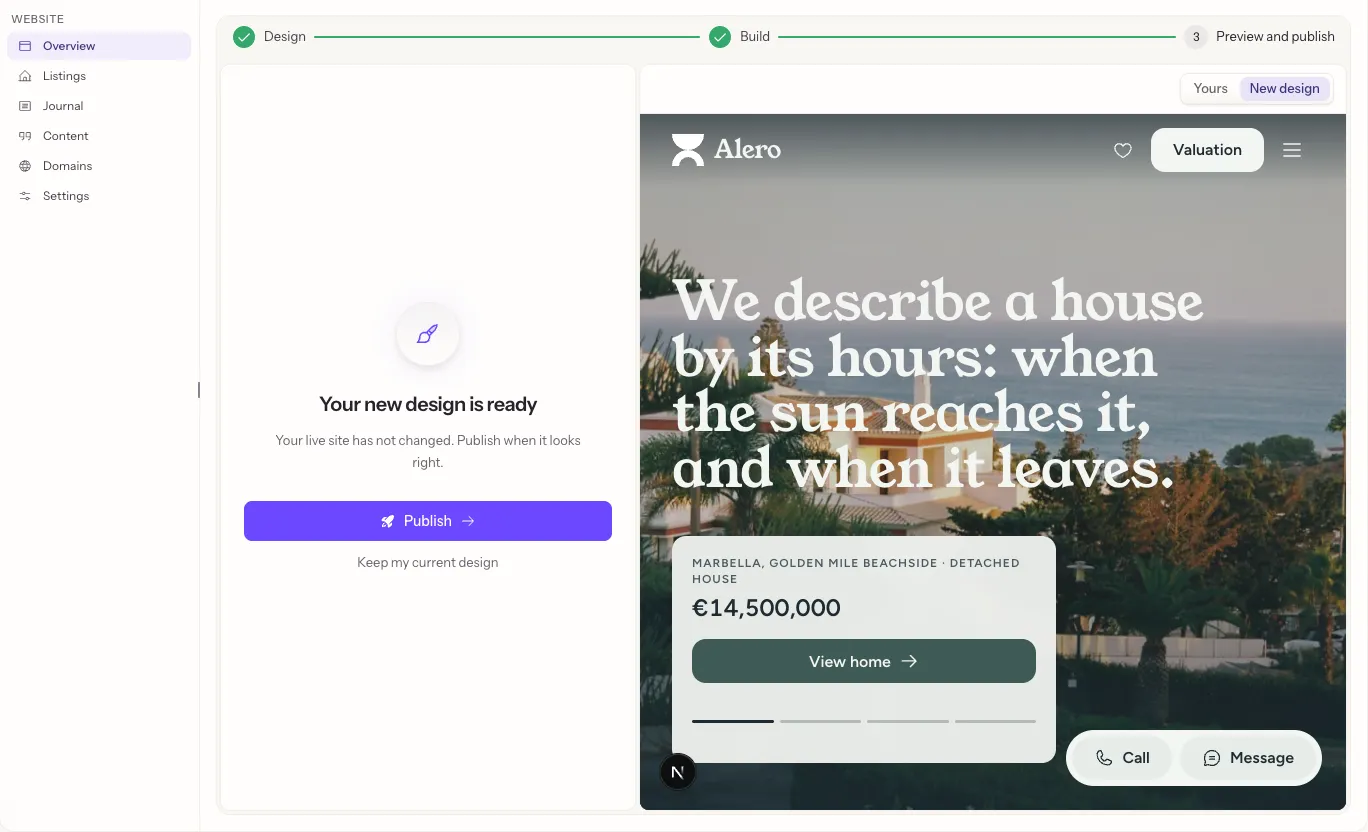
Press Publish to put the new design live. It takes a minute or two, and your current design stays online until the new one is ready. If it does not go live, your previous design is still online and you can try again or press Fix my website.
Press Keep my current design to throw the draft away. Your live site never changed.
Take an update
When your design has a newer version, Overview says so, with an Update button. The steps are on the Website page.
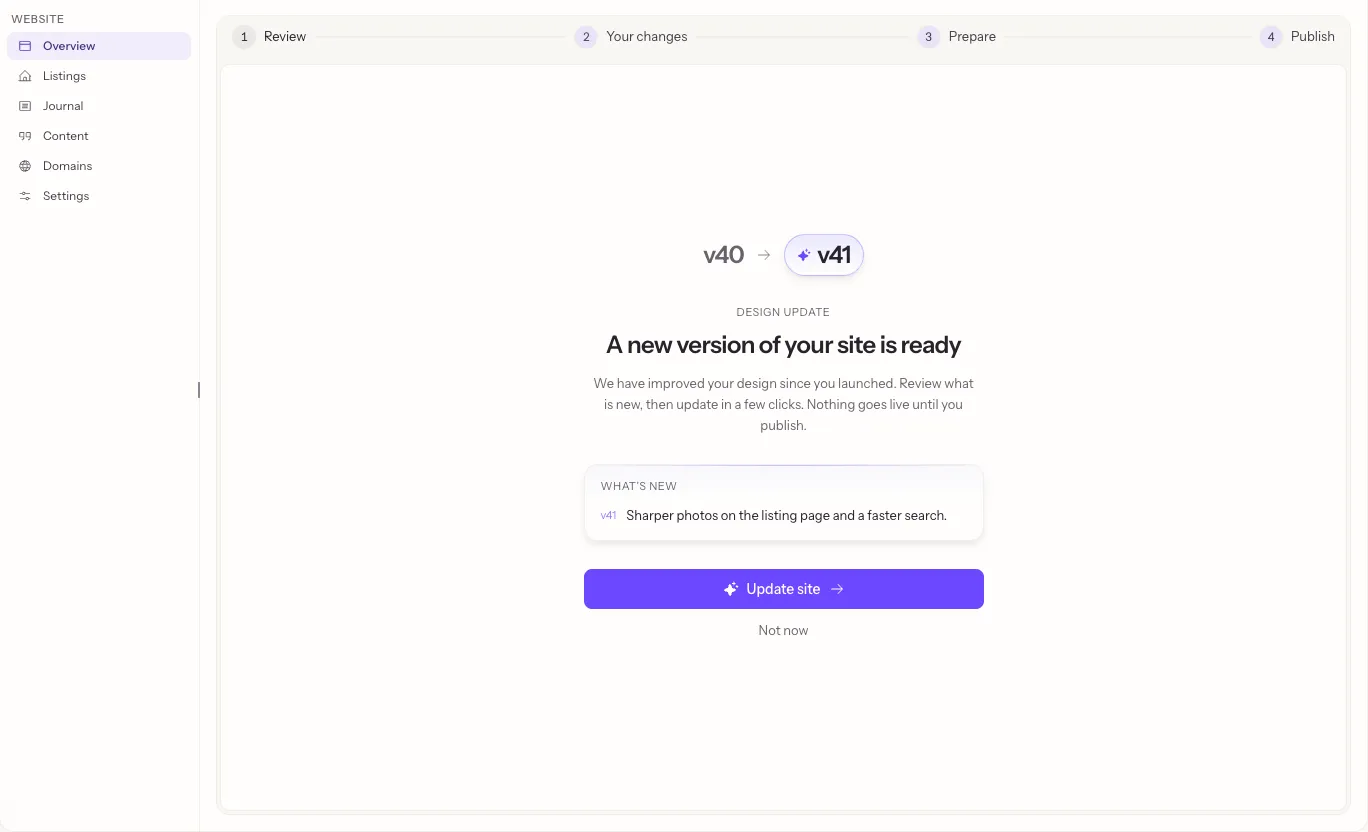
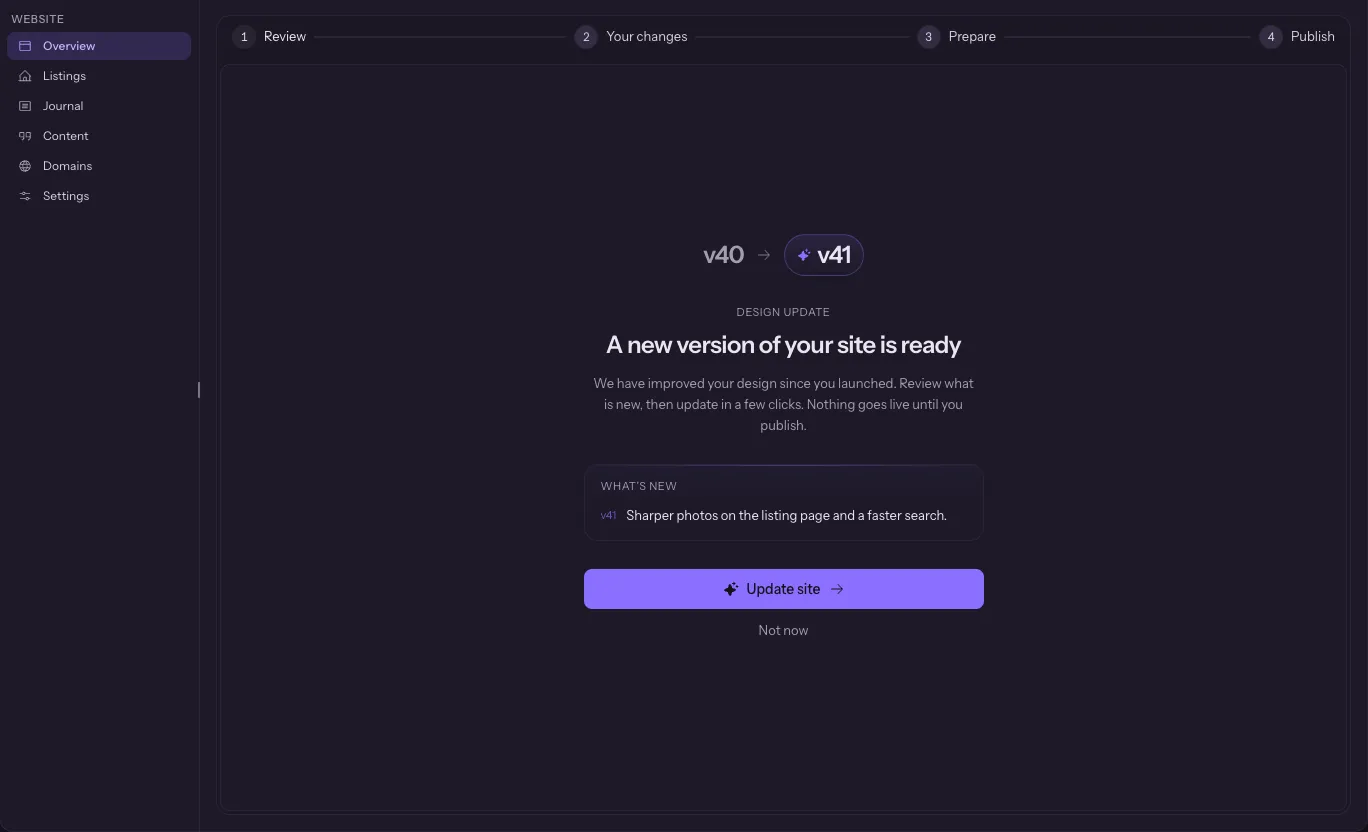
An update also shows how much AI usage the build uses before it starts, when the AI combines your edits with it.
Start over
Open Website, then Settings, then Start over. It shows the design your site is built again with and why, and how much of your monthly AI usage making it yours again uses. Type REBUILD and confirm. It permanently deletes your current website and its live version, keeps your journal posts and content, builds the site again and makes it yours, with photos for the empty picture spots.
Questions
Will my homes and words come with me?
Yes. Your homes and listing sources, words, team, offices, areas, journal, photos, domain and languages come with you. The look and the page layouts change. Changes you have not published do not come with you, so publish them first if you want them.
Will my site go offline?
No. The new design is built as a draft next to your live site. Your live site changes only when you press Publish, and your current design stays online until the new one is ready.
What does it cost?
One build, shown on the Design step before you start as a share of your monthly AI usage. It counts toward your AI usage like any other change Fondaro makes. The design itself is free, like the rest of your website.
Can I go back?
Before you publish, yes: press Keep my current design and nothing changes. Once you publish, the new design is your design.
Do I have to move?
No. Your current design keeps working and keeps getting fixes. Move only when you want the new look.