

Website designs
The designs your website can use, with pictures of each on real homes and a link to see it live.
A design is the look of your website: its colours, type and the layout of every page. Your homes, words, team and photos are yours and work in any design. Pick one when you build your website, and move to another whenever you like.
Every picture below is a real site built on that design, with homes in place.
Coast
For homes by the sea and the golf.
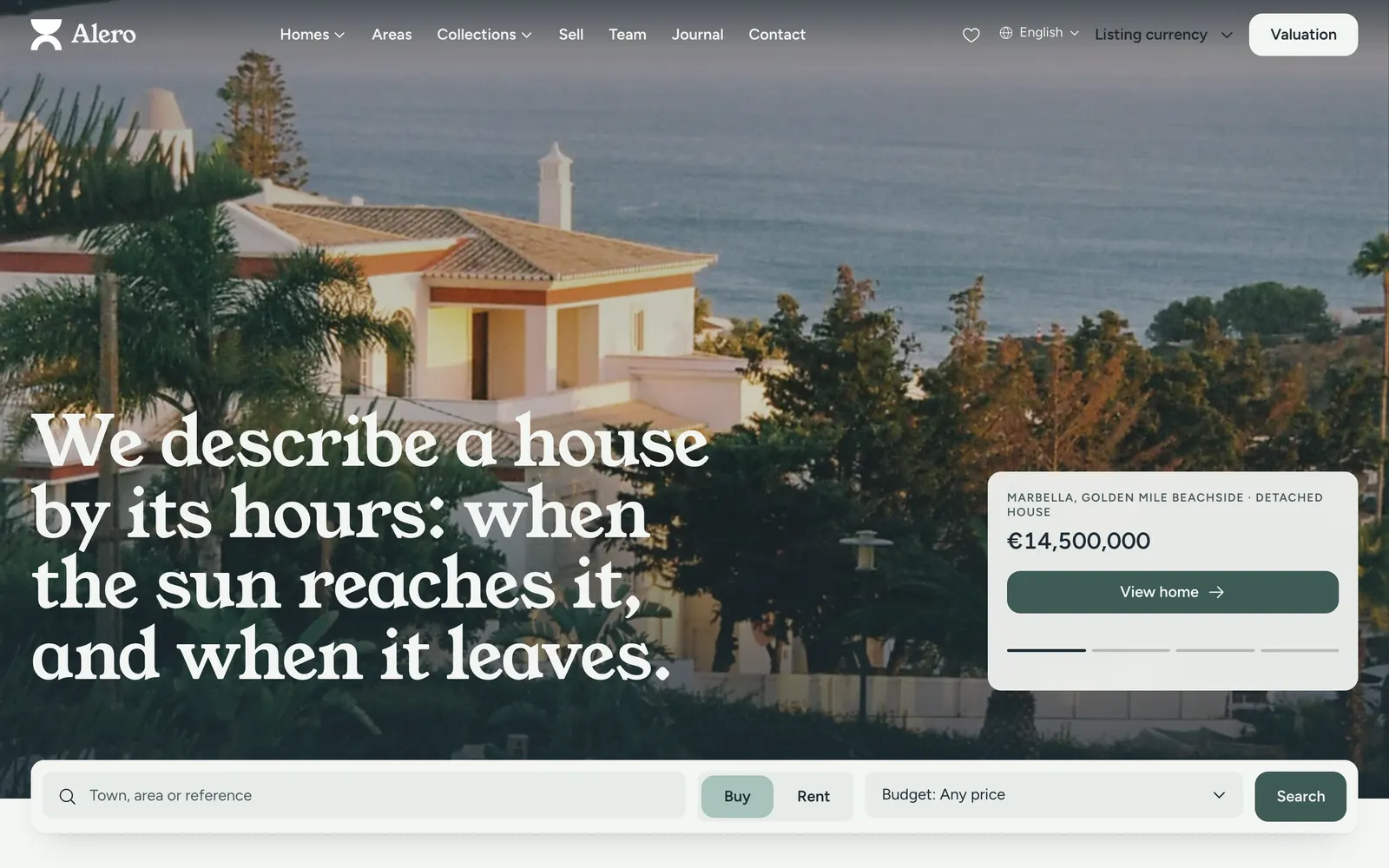
What it shows best:
- A full-screen home page photo of a villa above the sea, with the search bar over it.
- Search results and listing pages that keep the view of the sea and the light on the home.
- An area guide with a map and the homes nearby.
See it live: Coming soon.
City
For flats and penthouses in the city.
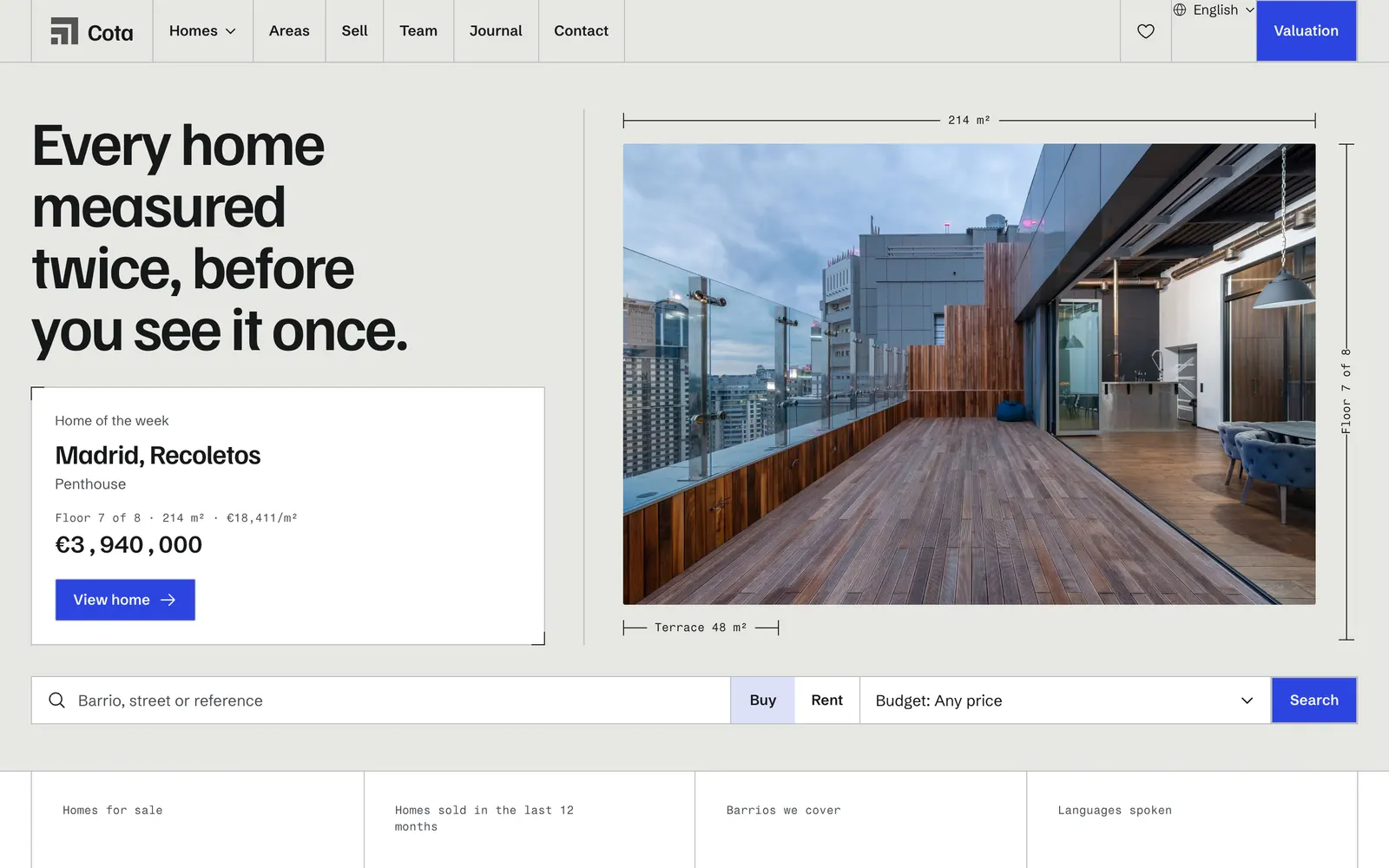
What it shows best:
- Floor and terrace sizes drawn beside the photos, so a buyer sees the space at once.
- A listing page with a gallery and a floor plan.
- Clean search results for flats and penthouses.
See it live: Coming soon.
Country
For fincas, estates and land.
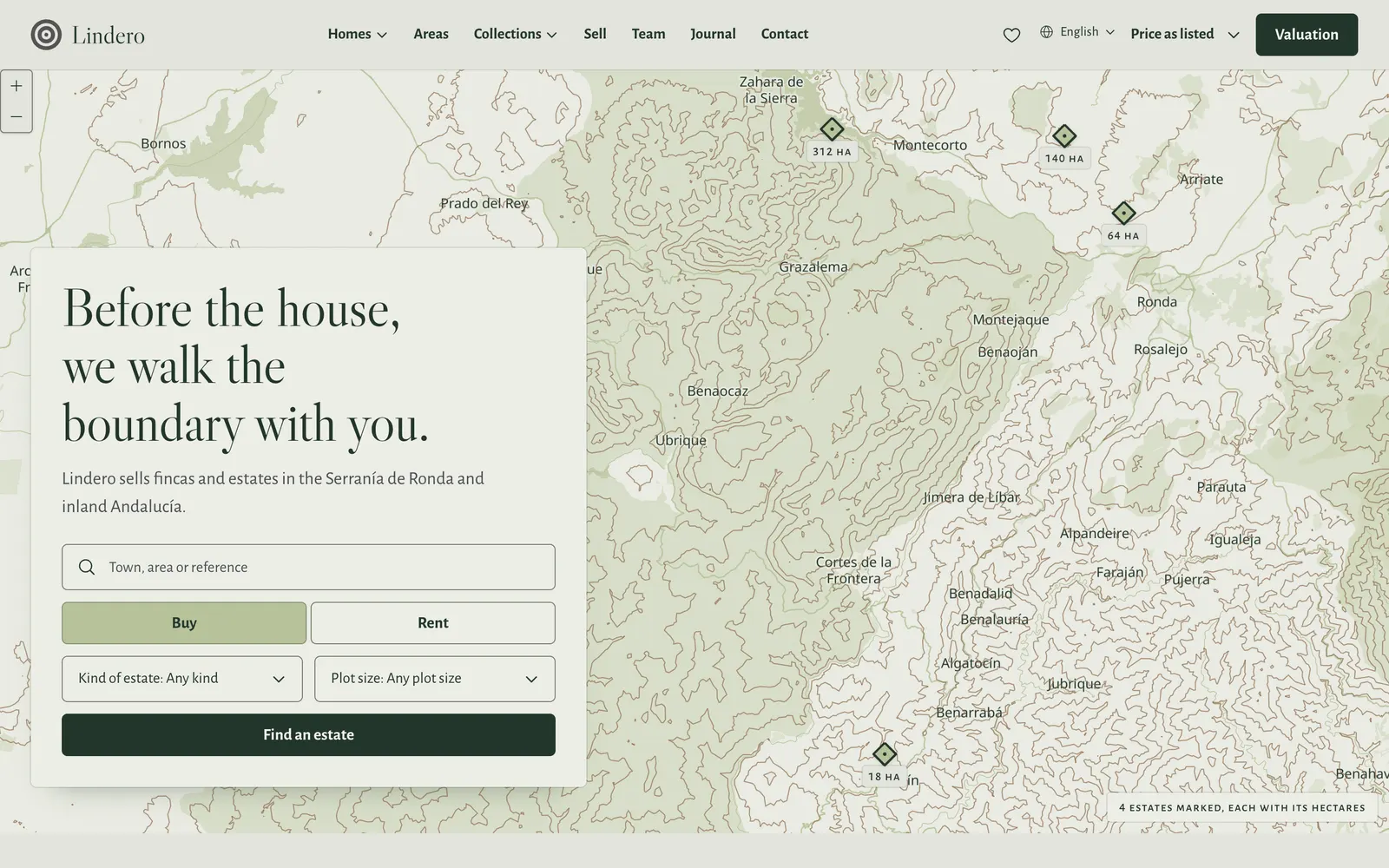
What it shows best:
- A map of the estates you sell, with plot sizes in hectares.
- Listing pages with the facts of the land beside the gallery.
- Area guides with distances, such as the drive to the nearest town and airport.
See it live: Coming soon.
Your current design
If your website was built before Coast, City and Country, it uses one of these. They keep working, and they keep getting fixes. You do not have to move.
Mediterranean
For any coast, calm and editorial.
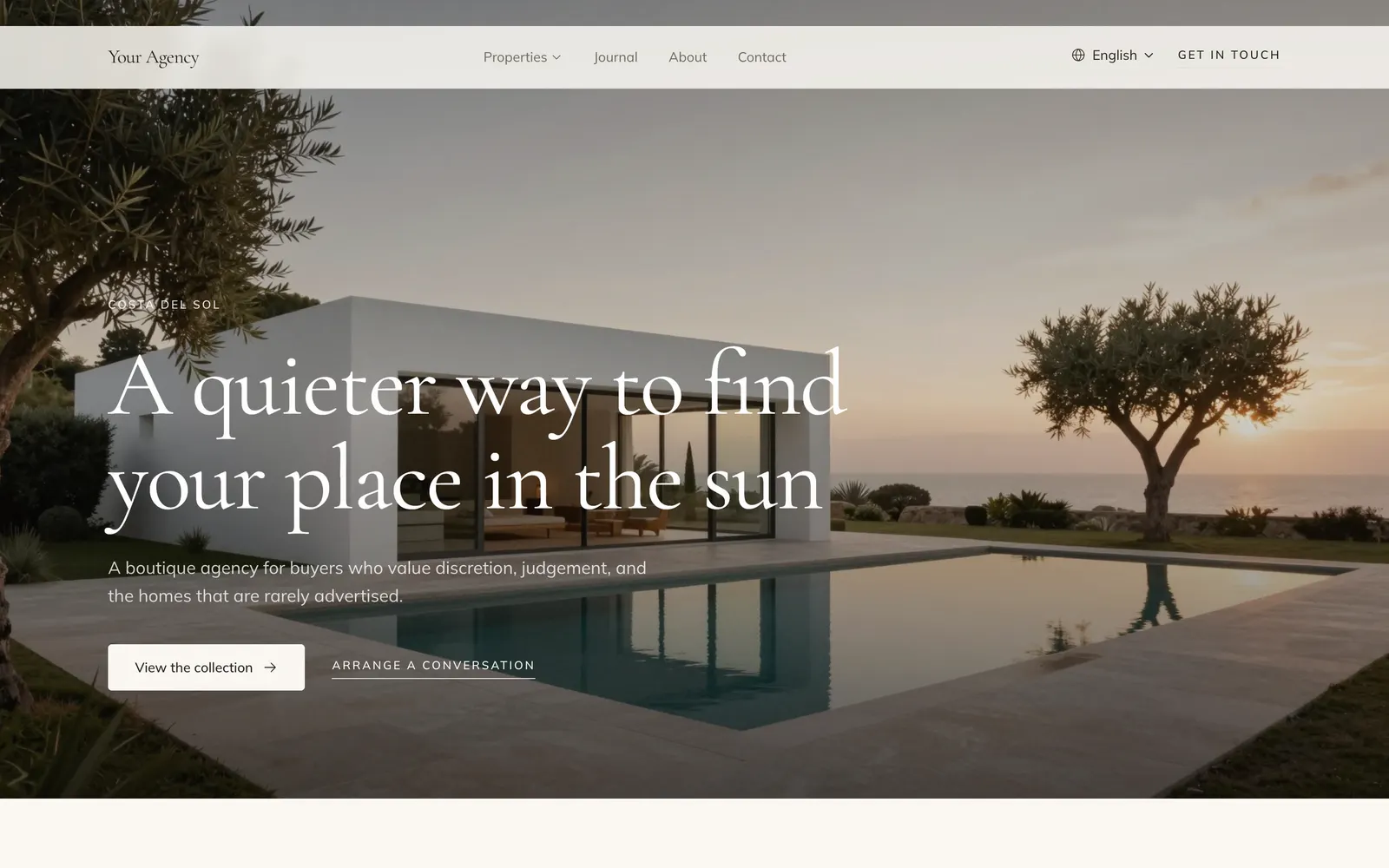
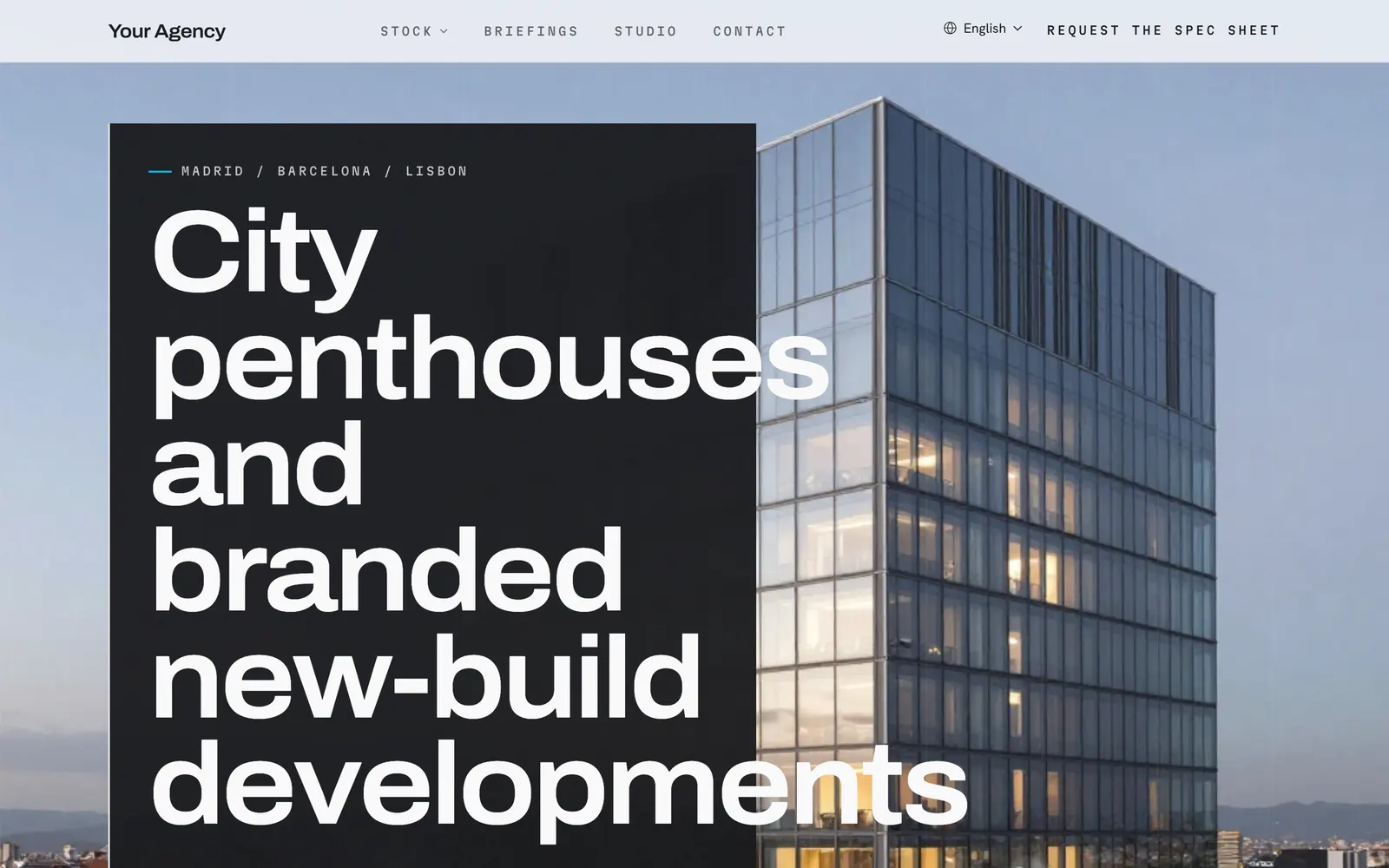
Metropolitan
For new developments and penthouses, sharp and modern.
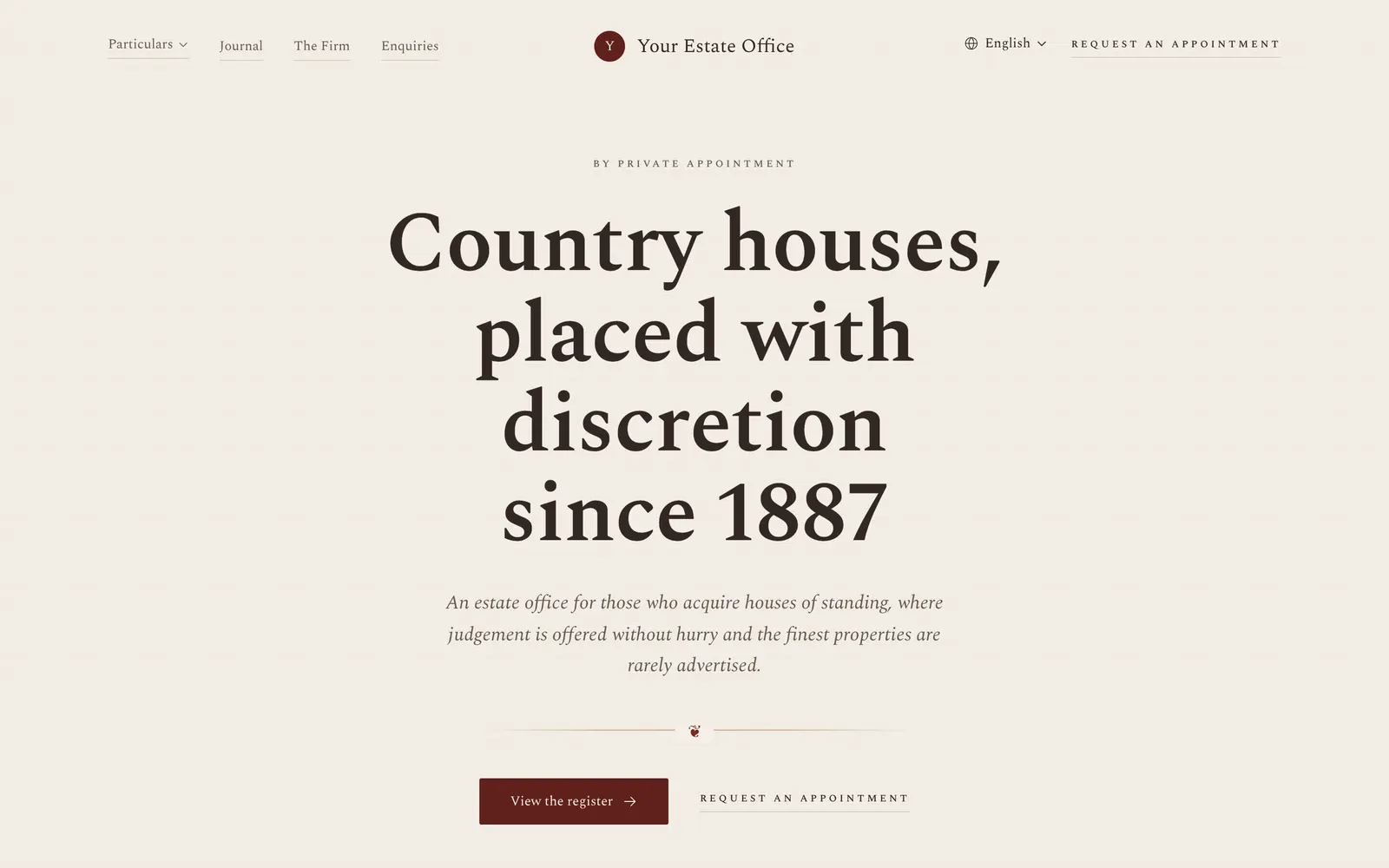
Heritage
For established agencies, formal and classic.
To see all the designs and pick one inside the dashboard, open Website, then Settings, then Design. How a move works is in Update, move or start over.